






Out of all the software that I've used in 8+ years, invoices are paid 10x faster whenever I've used HoneyBook.
Jayne B.
Web Designer

Currently, HoneyBook only supports professionals located in these countries.
HoneyBook is currently available for business owners in the U.S. and Canada — but we’re hard at work expanding to new countries.
Tell us where you’re based, and we’ll keep you posted on our next launch locations.
HoneyBook is currently available for business owners in the U.S. and Canada — but we’re hard at work expanding to new countries.
Tell us where you’re based, and we’ll keep you posted on our next launch locations.
CLIENT PAYMENT REMINDERS
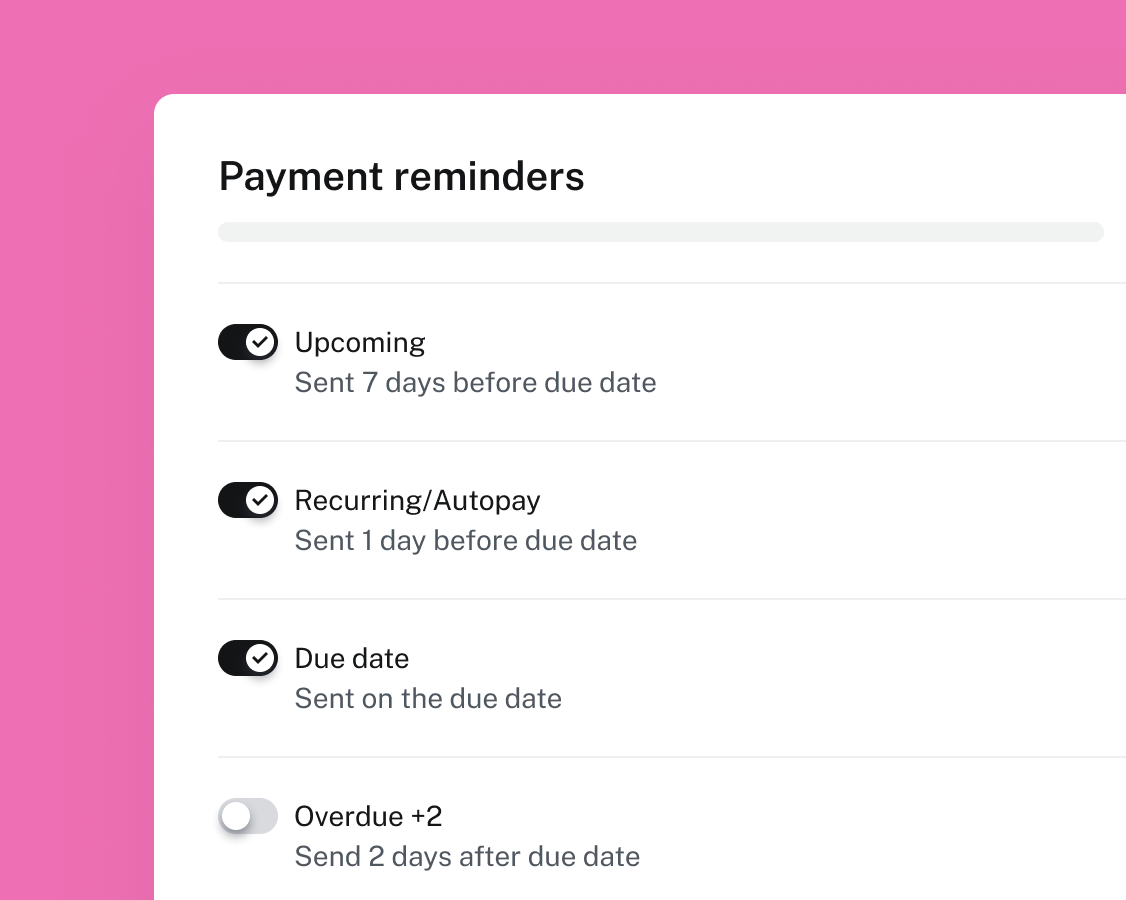
Send sleek, branded invoices with automatic payment reminders built in—so you can get paid without the chase.
Automate reminders
Avoid chasing down payments with a friendly email reminder about upcoming or overdue payments.
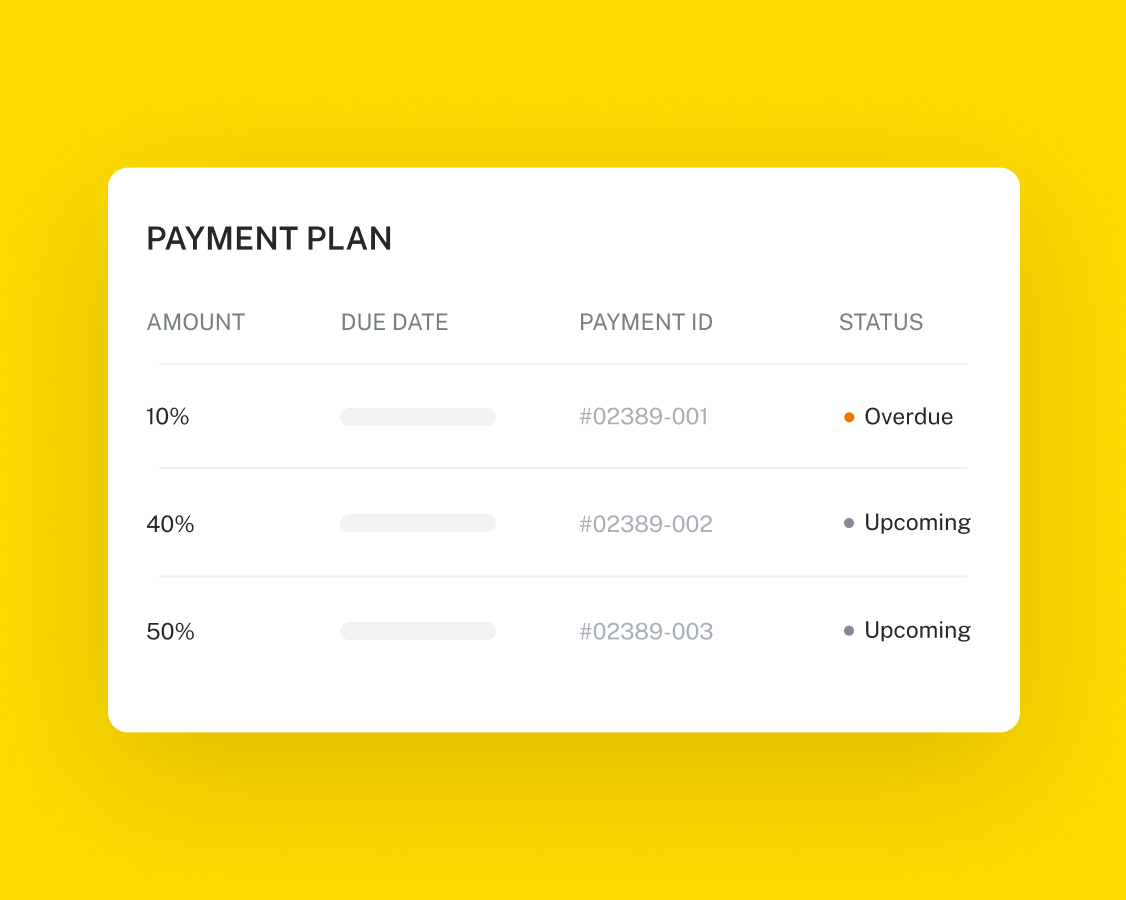
Set flexible payment terms
Whether it’s one-time, recurring, or broken into milestones, control over how and when you get paid.
Accept every kind of payment
Clients can pay by credit card, debit card, bank transfer, Apple Pay, or Google Pay. Even tips and add-ons. You control what payment options clients can use.

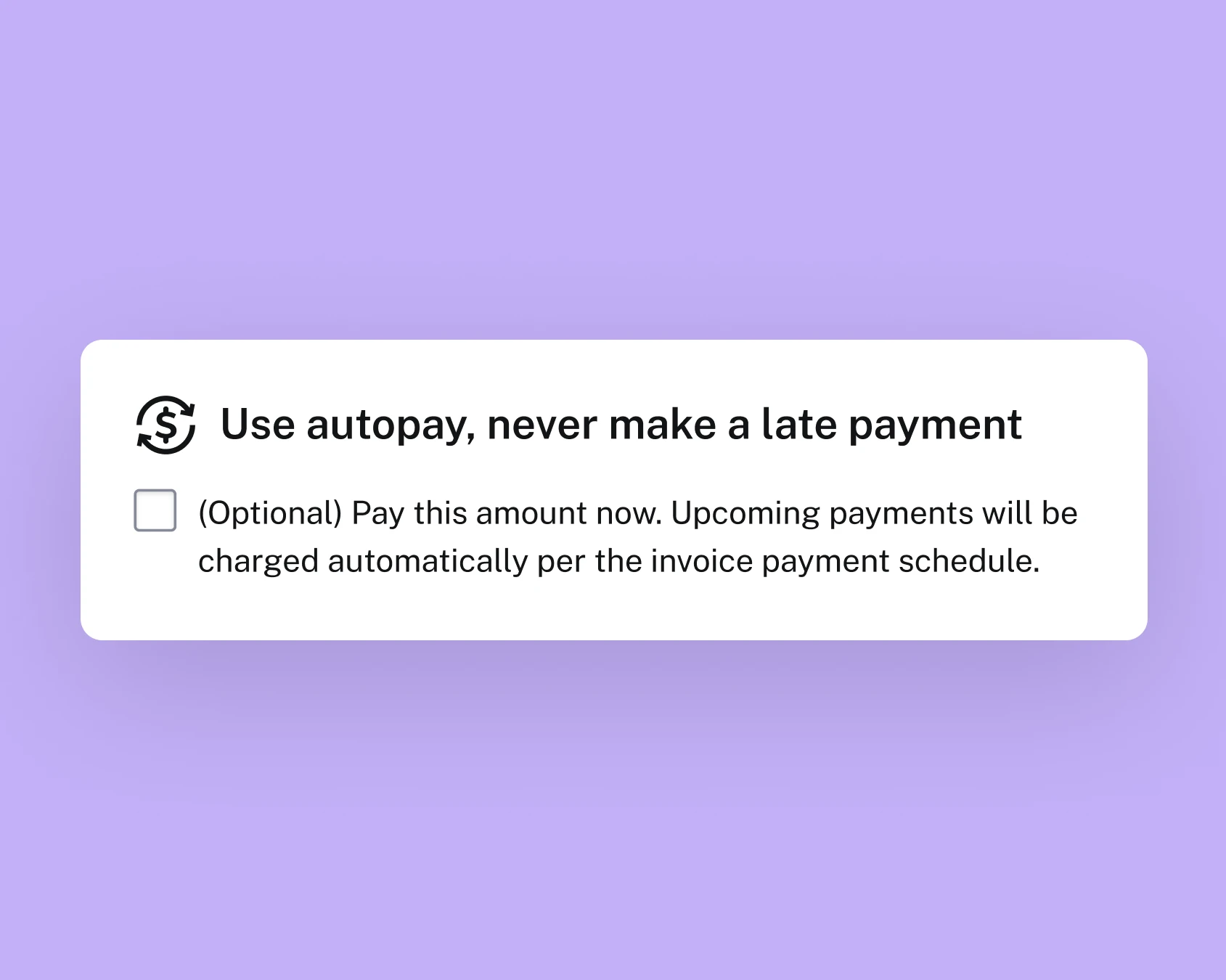
Turn on autopay
Let clients turn on autopay to be automatically charged on the due dates of recurring invoices or retainers.

Access or transfer money as soon as the client payment comes through.

Know what you’re paying with clear processing fees and built-in fraud protection.

Your security is our first priority. Our team reviews all transactions to keep you and your clients safe.

Choose the perfect moment to send your invoice automatically.

Bill clients on a set schedule with recurring invoices that go out like clockwork.

If client disputes happen, HoneyBook works side-by-side with you instead of automatically refunding the client.






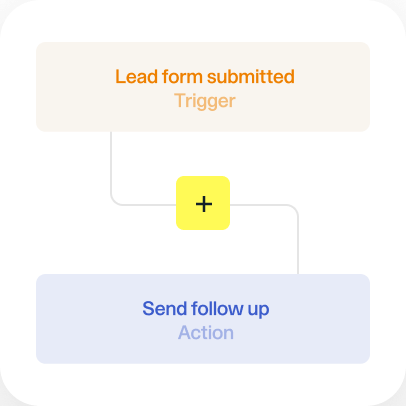





Payment reminders are automated emails that are sent to your clients to notify them of upcoming or overdue invoice payments. This allows you to remind your clients to pay you without having to send any emails yourself. With HoneyBook, you can send payment reminders 7 days before payment is due, on the date the payment is due, and 2 days after payment is due—or any combination of these three options. You can also edit the text of each email so that they match your brand voice.
Unlike other tools, HoneyBook is an all-in-one client management system that lets you organize everything in one place. Your payment reminders live in the same tool as your client communication, project files, status updates, invoicing, proposals, and more. This makes it easy to check on your payment status at a glance as you work on the project.
Yes! HoneyBook allows you to set up automatic payment reminders in under a minute. HoneyBook has four automatic payment reminders that are turned on by default. There are four automated payment reminders that can be turned on or off: 7 days before a payment is due, the day a payment is due, 2 days after the payment is due, and recurring payment/auto-pay reminders. For each of these reminders, you can customize the messaging of the email that’s sent to your client.
Here are some best practices you can follow for writing a good reminder email:
Yes, HoneyBook offers a mobile app that allows you to manage your business on the go. With the app, you can send invoices, accept payments, manage client communications, update projects, organize your calendar, upload photos, and more. For more details, please see our mobile app features.