









What once took 10 hours now takes just one, thanks to HoneyBook automations.
Emilie G.
Virtual Assistant

Currently, HoneyBook only supports professionals located in these countries.
HoneyBook is currently available for business owners in the U.S., Canada, UK and Australia — but we’re hard at work expanding to new countries.
Tell us where you’re based, and we’ll keep you posted on our next launch locations.
HoneyBook is currently available for business owners in the U.S. and Canada — but we’re hard at work expanding to new countries.
Tell us where you’re based, and we’ll keep you posted on our next launch locations.

Flash sale for photographers, 50% off 📸

WORKFLOW AUTOMATIONS
The second you automate your workflow, you start saving hours every week.
Automate messages, follow-ups, files, and tasks so things get done without landing on your to-do list. No technical setup needed.
Fast replies win clients. So when someone fills out your lead form, automations make it easy for them to take the next step.
Make great first impressions by triggering a pre-set welcome experience right after clients sign your contract.
Provide a friendly nudge when any step of your process is running behind schedule.
Automate check-ins, meetings, or files that help clients feel prepared leading up to a deadline or event date.
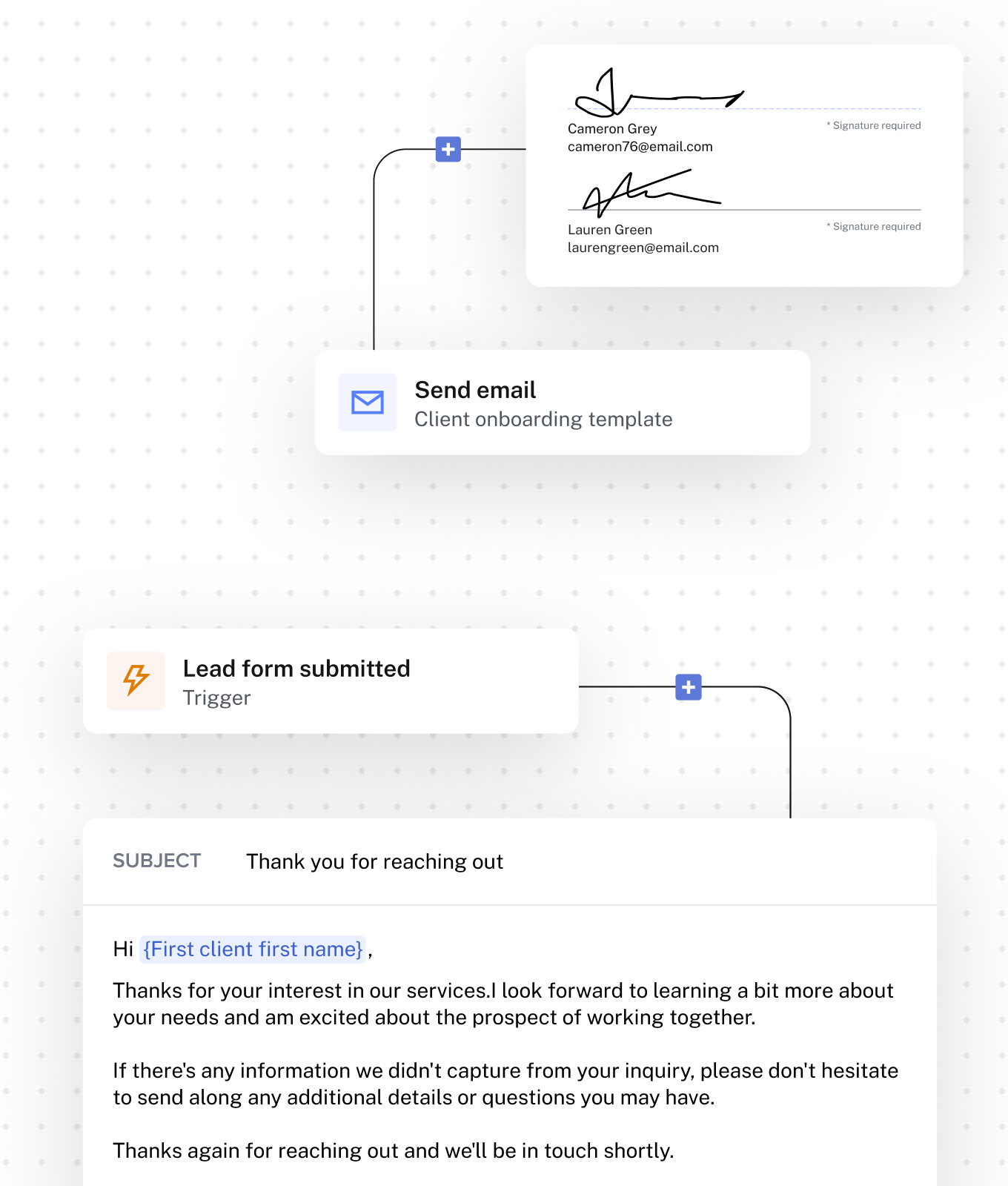
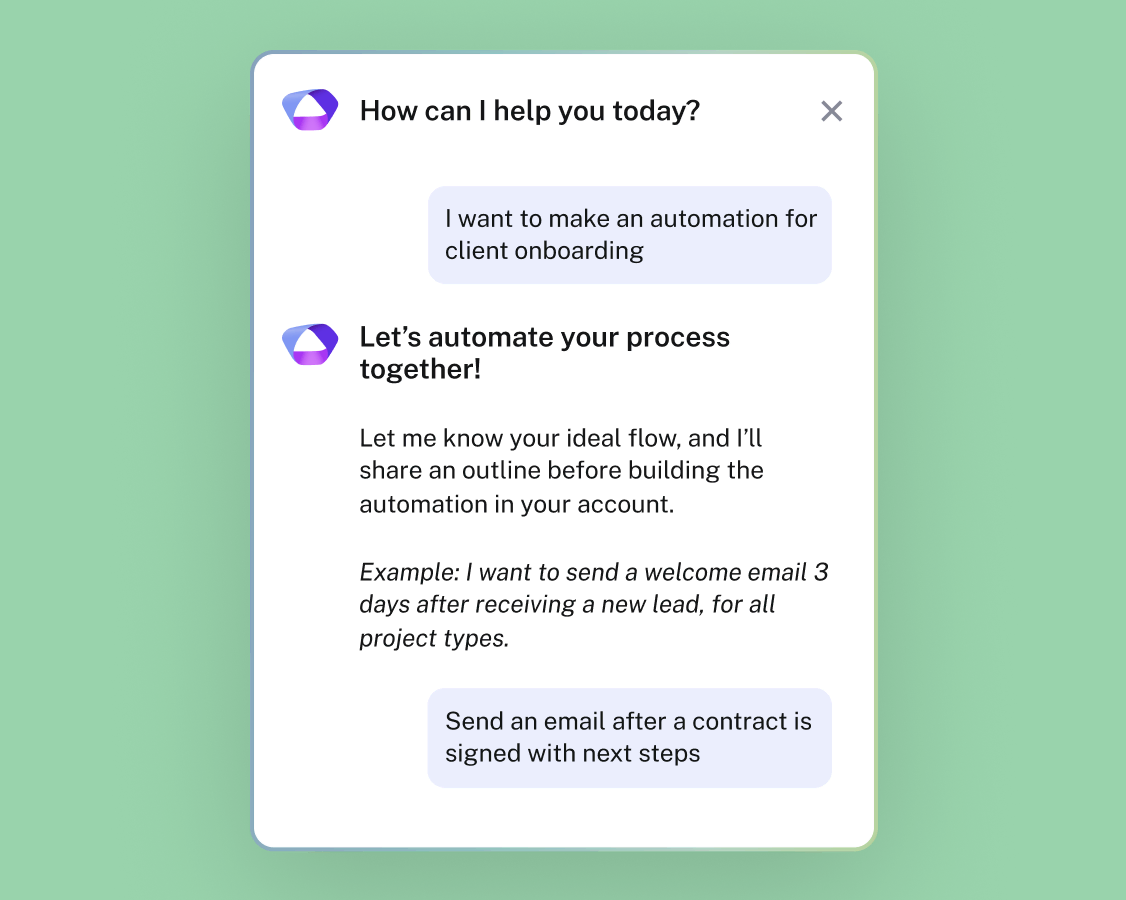
Build automations with AI
Simply describe what you want, and let HoneyBook AI turn that into a ready-to-use workflow in minutes. Easier said. And done.
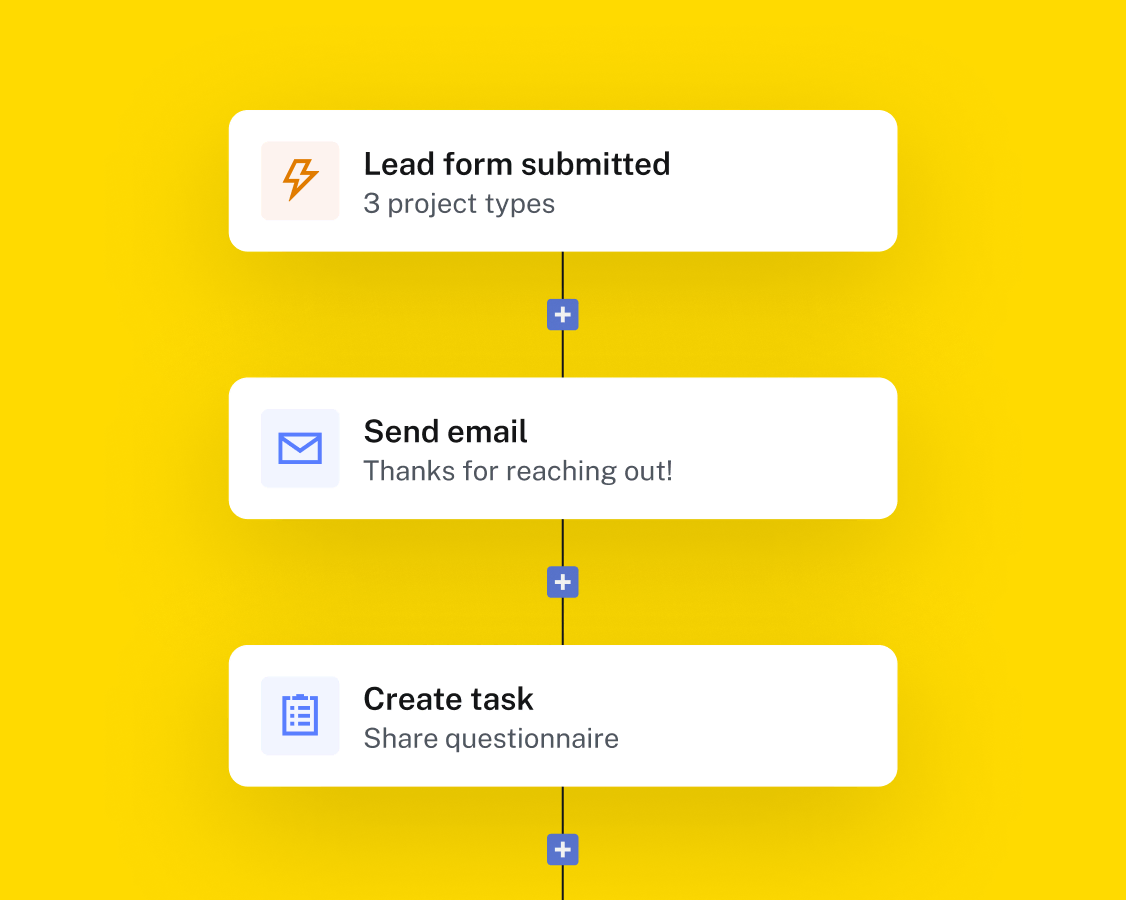
Set contextual triggers
Create triggers for any step of your process so when clients take action, automations can take it from there.
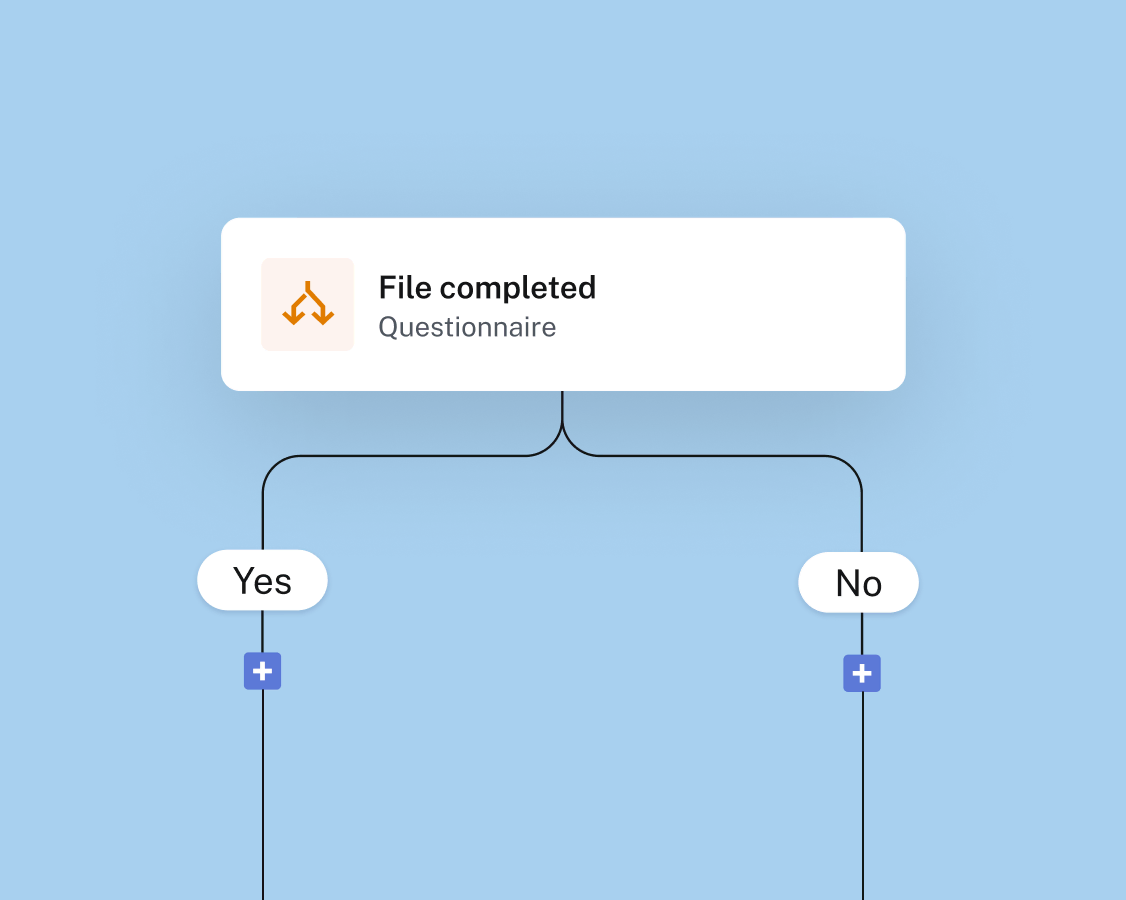
Layer in logic
Set rules that adapt to any situation so clients get the right experience at the right moment.
Automate across platforms
Get your favorite tools talking and pass information between apps and platforms to keep work flowing.
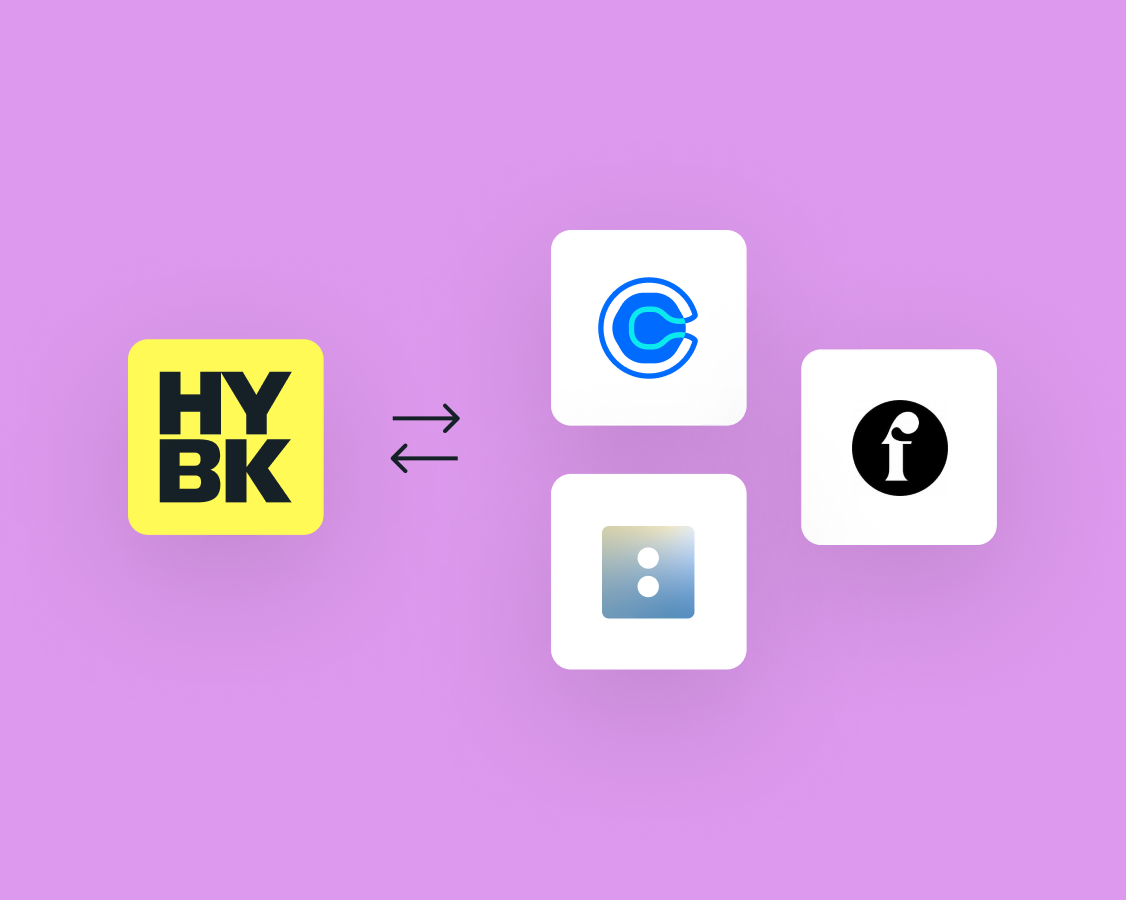
HoneyBook does a lot, because so do you. Keep exploring how HoneyBook can help your business thrive.
There are a few components to HoneyBook automations:
Automations can be triggered by various events, such as new inquiries, scheduling changes (sessions scheduled, started, or ended), file actions (viewed or completed), bookings (contracts signed, payments made), and project milestones (start, end, marked complete).
Conditional logic allows your workflow to adapt based on specific situations. For example, you can set up an automation that only sends a follow-up email if a client hasn't signed a contract within three days.
Yes, you can edit emails before they are sent within an automation.
Automations are included in the Essentials and Premium plans. See our full pricing plans